Wire icon
Wire

Keep the team connected

Wire is workspace chat for service teams.
Move away from WhatsApp to a proper work chat where your team can message, share
photos and files, and talk in channels.
Every conversation and decision stays in one place, tied to the work instead of personal  chats.
Note icon
Free for every team member. Works inside Squadly, or on its own.
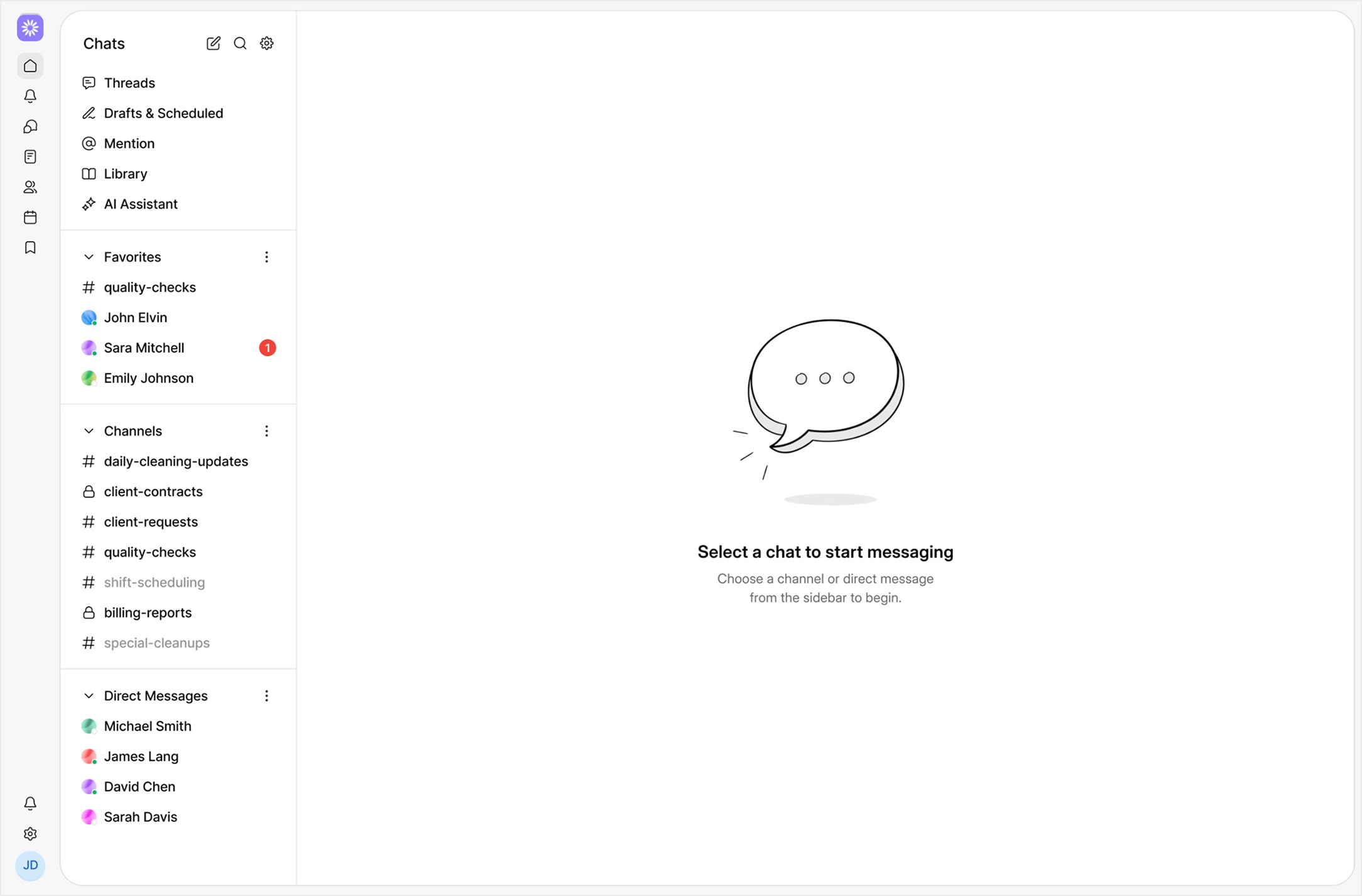
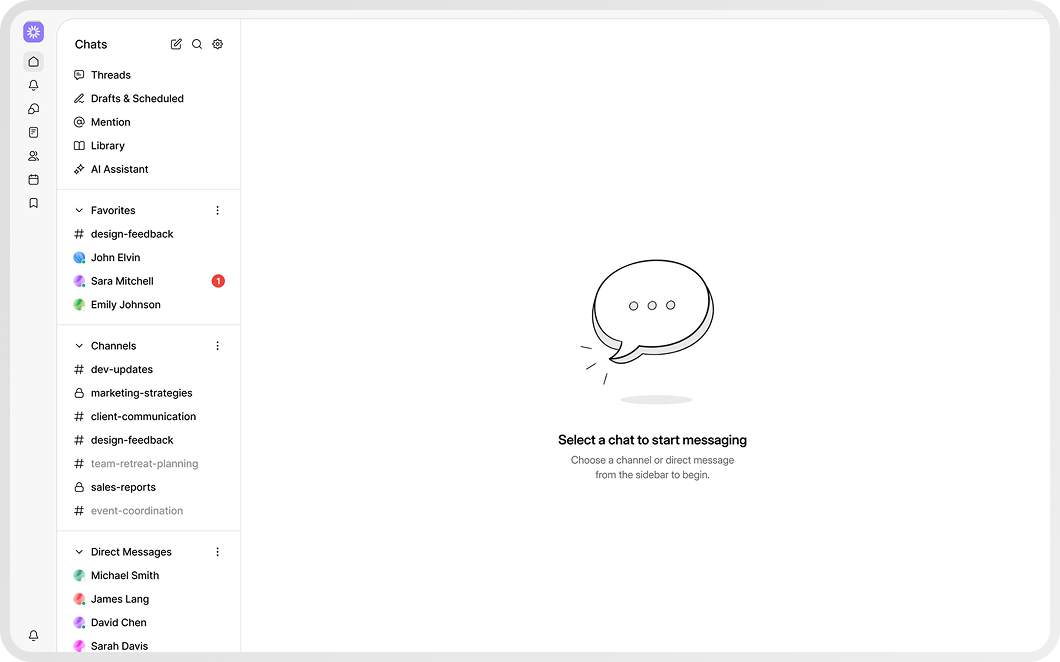
Chat interface with sidebar showing Favorites, Channels, and Direct Messages, and a central prompt to select a chat to start messaging.
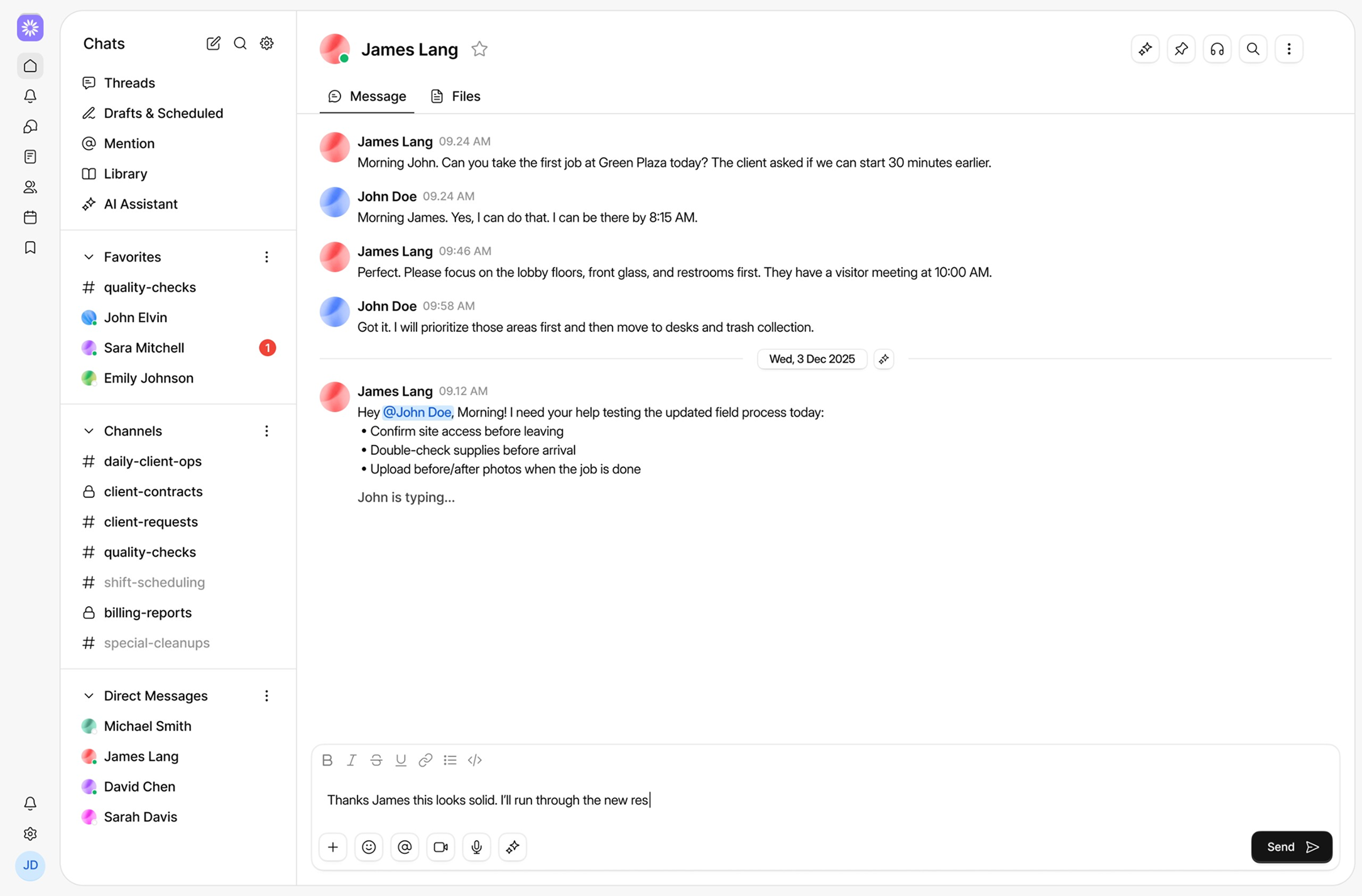
Chat interface showing conversation between James Lang and John Doe about job tasks, scheduling, and field process updates, with sidebar navigation including chats, threads, AI assistant, favorites, channels, and direct messages.
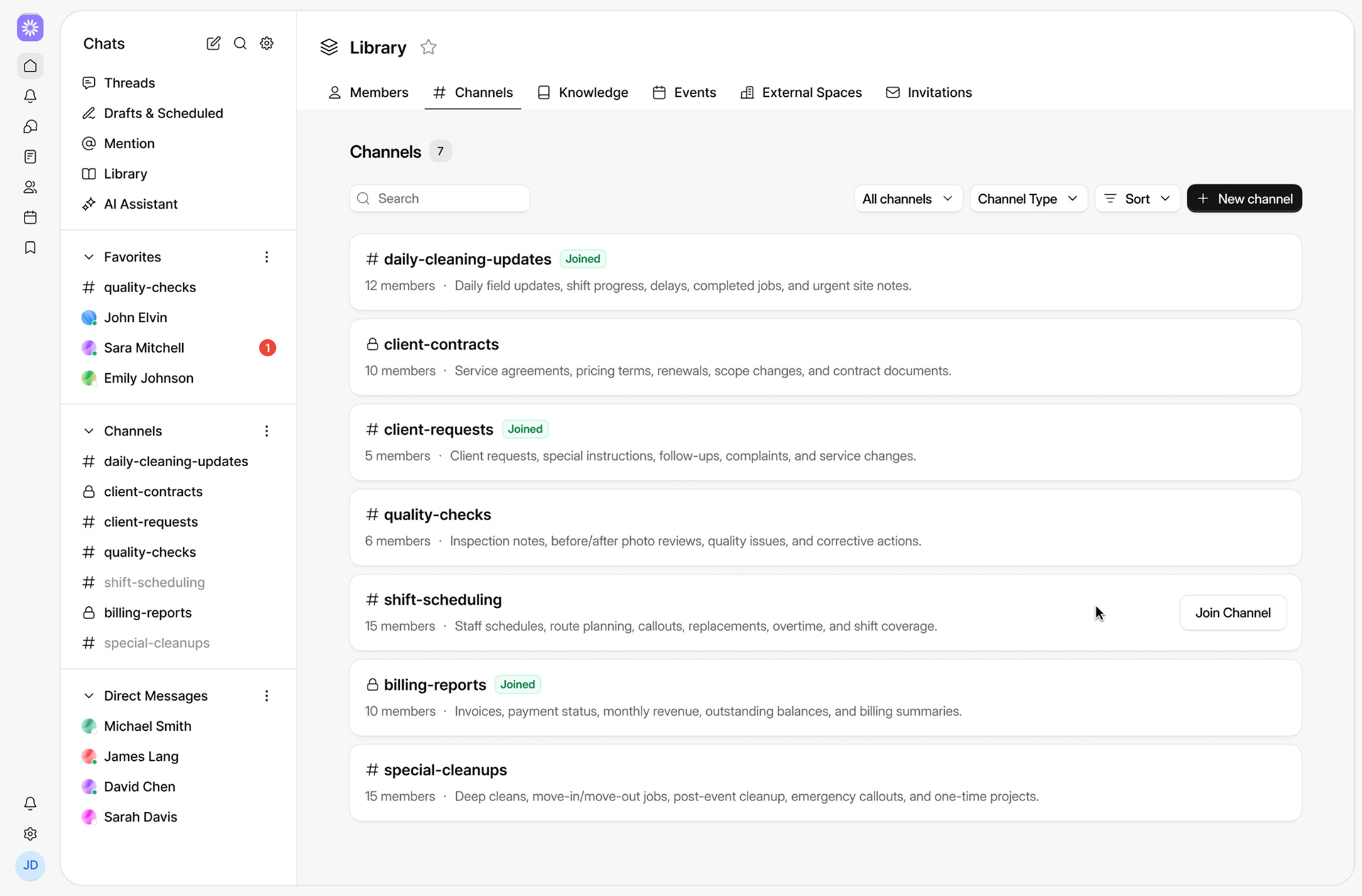
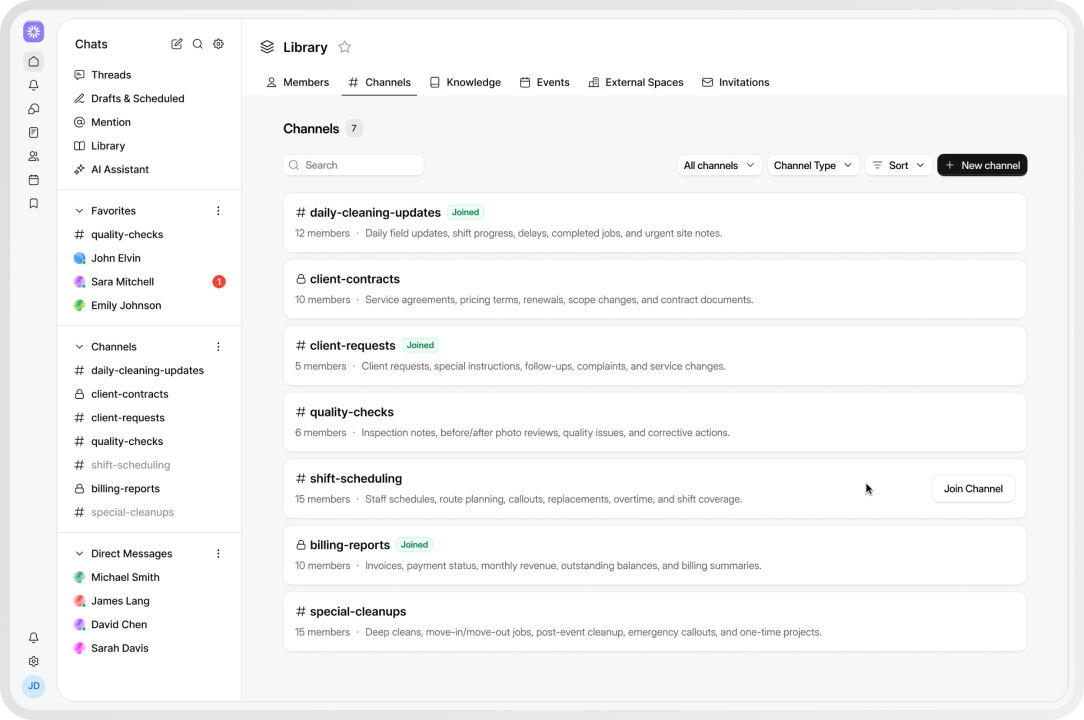
Workspace interface showing Library tab with Channels section listing daily-cleaning-updates, client-contracts, client-requests, quality-checks, shift-scheduling, billing-reports, and special-cleanups.
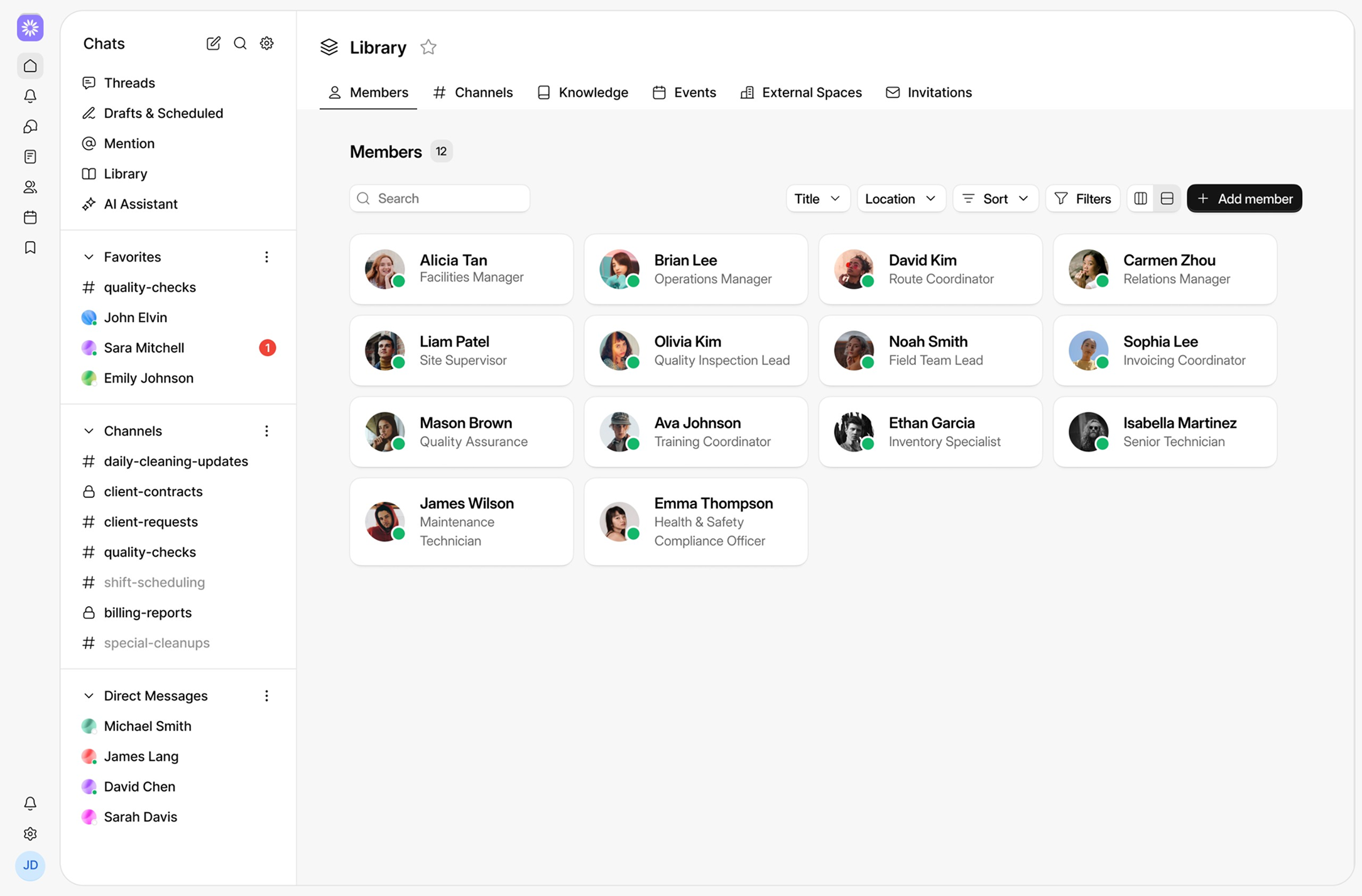
Library tab showing 12 active members with their names, roles, and profile pictures in a workspace app interface.
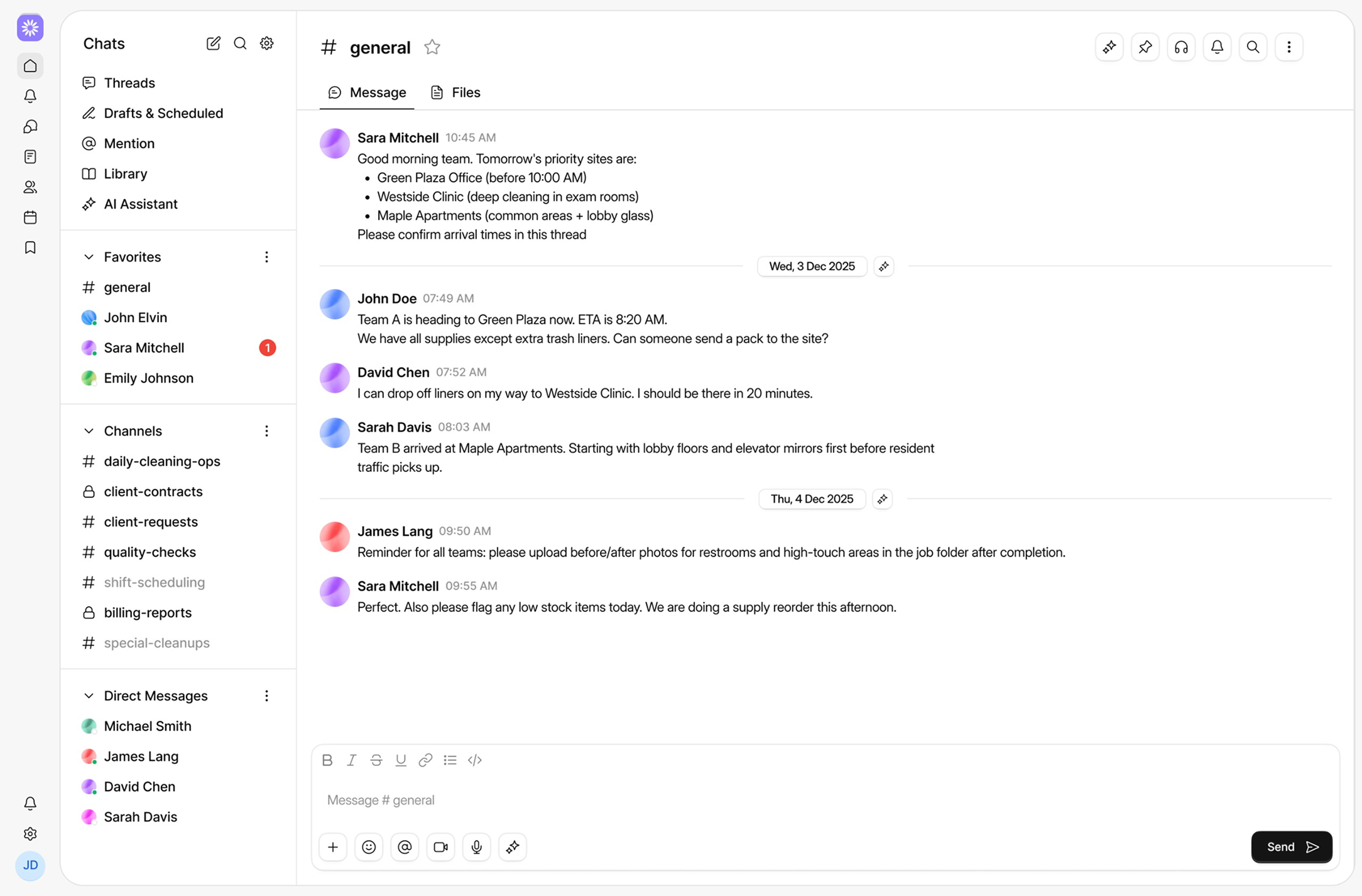
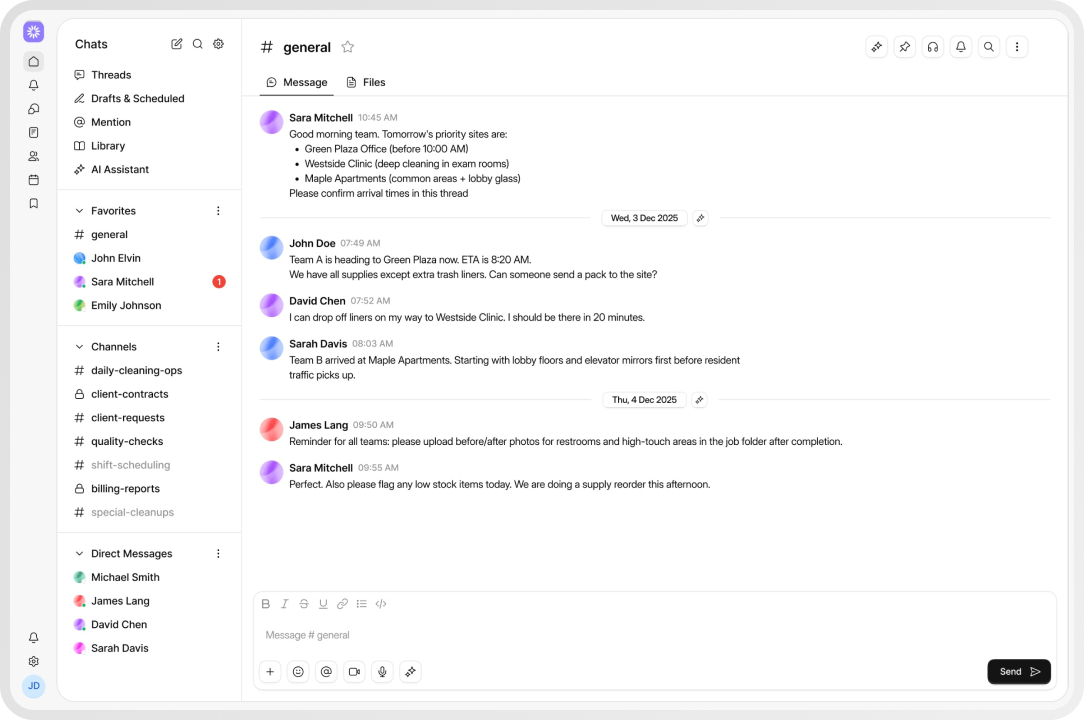
Chat interface showing a conversation in the #general channel with messages about cleaning schedules and supply updates for Green Plaza Office, Westside Clinic, and Maple Apartments on December 3 and 4, 2025.
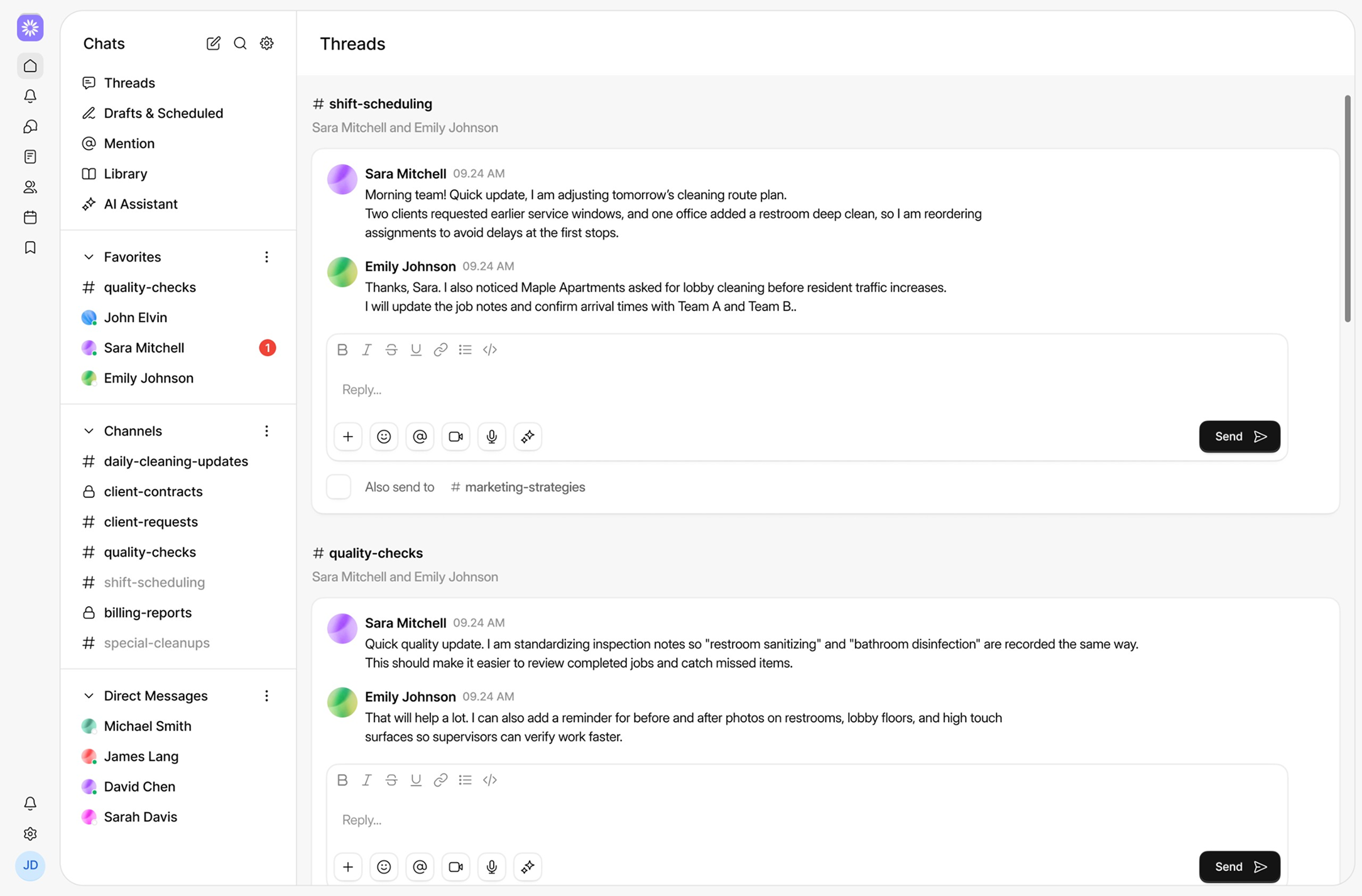
Messaging app interface showing threads about shift-scheduling and quality-checks with messages from Sara Mitchell and Emily Johnson.

The reality on busy days

Work does not slow down so people can catch up.
In a service business, the day is made of small updates:
Client changed the access code.
We are running 20 minutes late.
Can someone approve this invoice?
Here are the before and after photos.
Those updates decide whether the job goes smooth or turns into back-and-forth
When chat lives in personal apps, the business loses the thread:
Photos end up in one person's phone
Decisions get stuck with the wrong person
New staff have no context
Managers waste time asking, “What did we decide?ˮ
Wire keeps team talk inside the workspace, so the work keeps moving.

Why Wire beats WhatsApp for work

WhatsApp is personal. Work needs a workspace.

Team structure

channels for sites, squads, jobs, and office teams

Find it later

search messages and files instead of scrolling forever

Control access

 private channels and role-based permissions

Work risk

 personal messaging can create compliance and record-keeping risks for  employers

Product tour
01

Start with #general

Customers, staff, invoices, and assets are logged and updated here.
Chat interface showing a general channel with messages coordinating cleaning tasks and schedules at different locations, with a sidebar listing threads, favorites, channels, and direct messages.
Project management app interface showing a library of channels with members, topics like daily-cleaning-updates, client-contracts, quality-checks, and billing-reports, plus side menus with chats, favorites, and direct messages.
02

Use channels for organised work

Keep updates where they belong, not in random group chats.
Example: #jobs, #rosters, #site-keys, #finance, #dispatch
03

Direct messages and group chats

Message one person for a quick check-in, or create a group for a site team
Chat application interface with sidebar showing favorites, channels, and direct messages, and a central prompt to select a chat to start messaging.
Messaging app interface showing chat threads for shift scheduling and quality checks with messages between Sara Mitchell and Emily Johnson discussing cleaning updates and inspection notes.
04

Threads keep replies tidy

Reply inside a thread so the main channel stays readable

Core features

Chats, groups, channels

Tick icon
Direct messages 11
Tick icon
Group chats
Tick icon
Public and private channels
Tick icon
Threads for replies
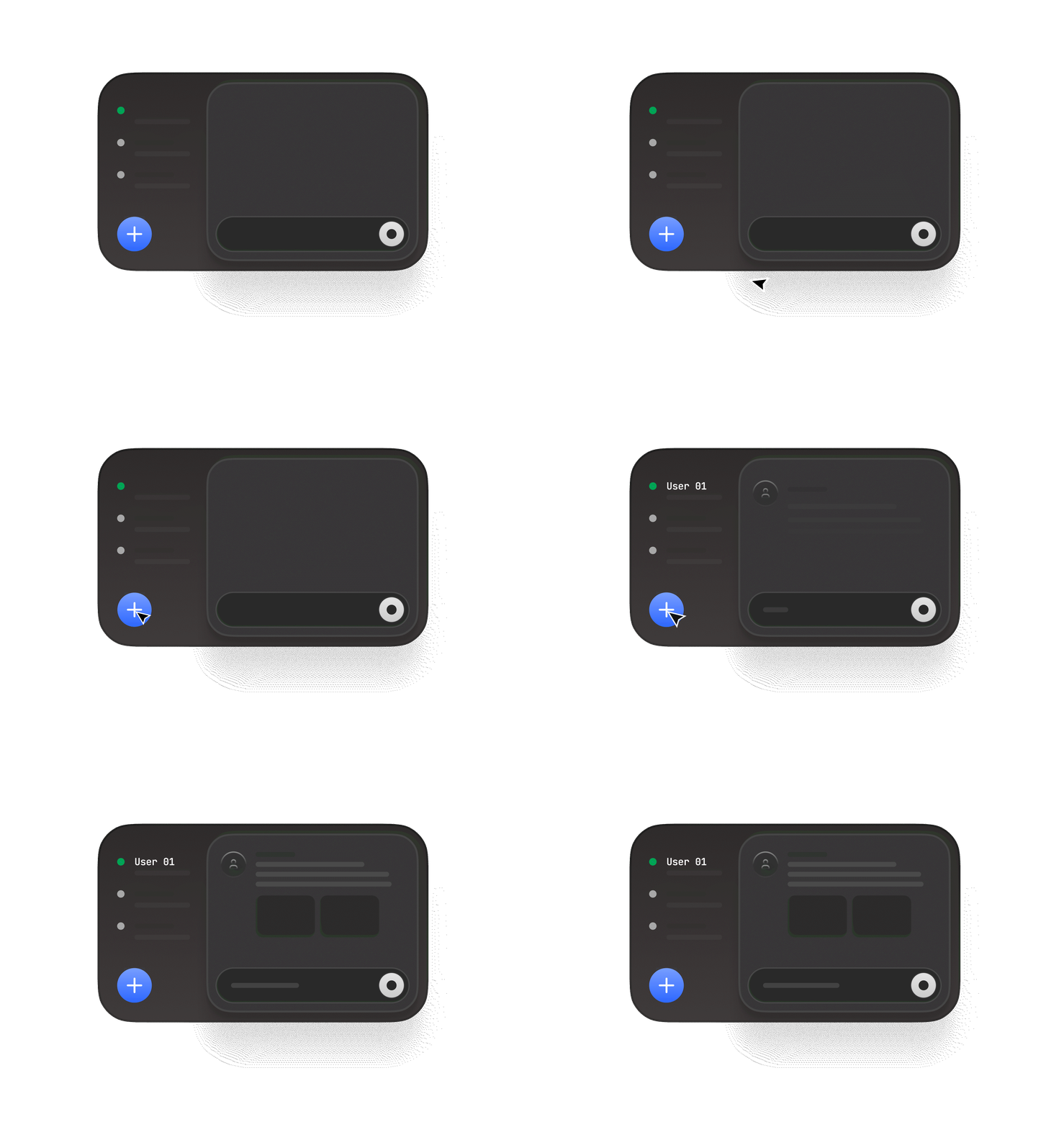
Animated dark-themed chat interface with a blue plus button, message list, and message input area.

Files and photos

Tick icon
Attach photos from site
Tick icon
Share documents and job files
Tick icon
Preview files in chat
Tick icon
Keep everything linked to the conversation

Search and channel tools

Tick icon
Search messages, people, and files
Tick icon
Pin important messages
Tick icon
Message reactions
Tick icon
Mentions: @name, @team
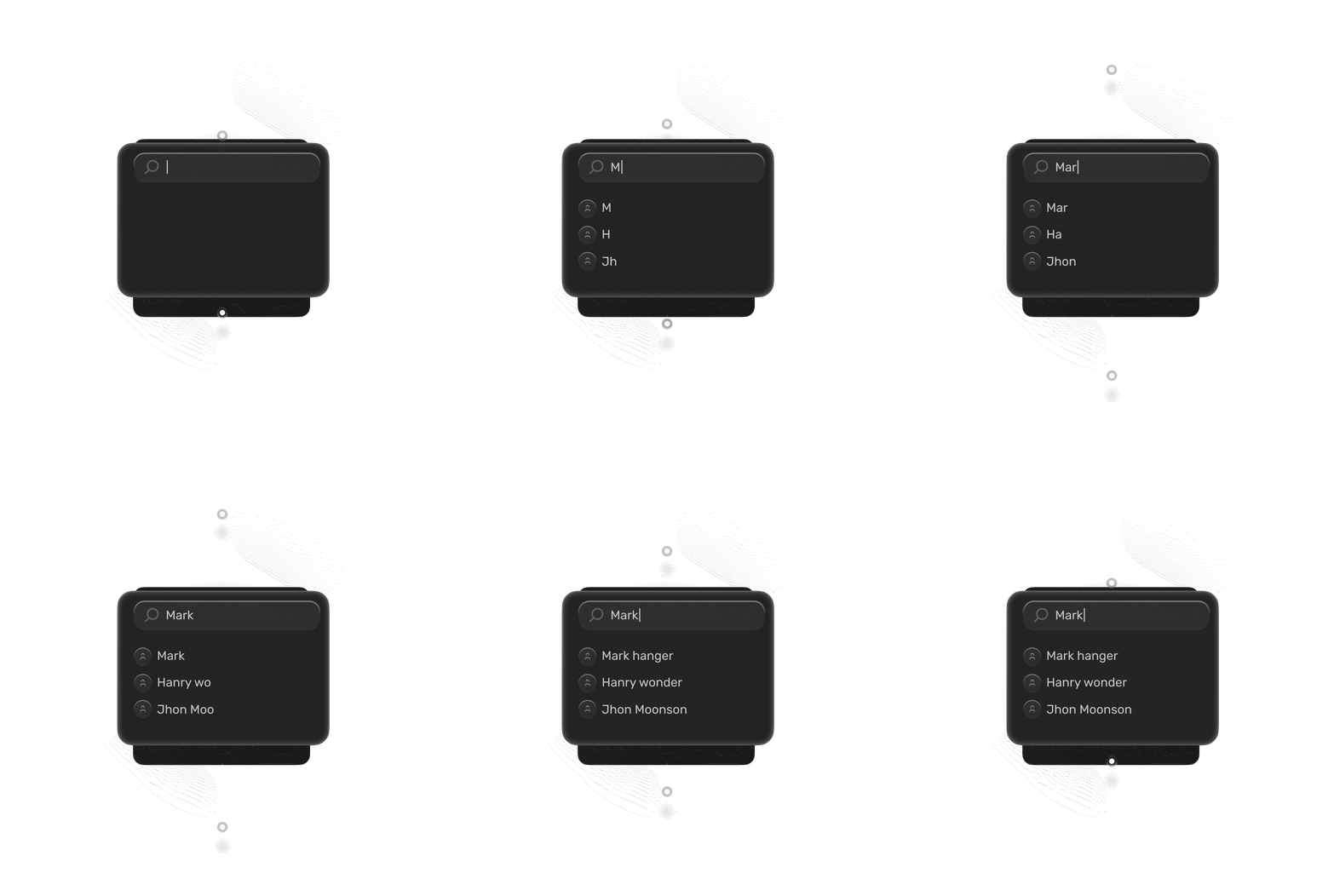
Search bar with a magnifying glass icon and a vertical cursor.

Notifications

Tick icon
Mobile and web notifications
Tick icon
Mentions and reply alerts
Tick icon
Per-channel notification settings
Tick icon
Do Not Disturb
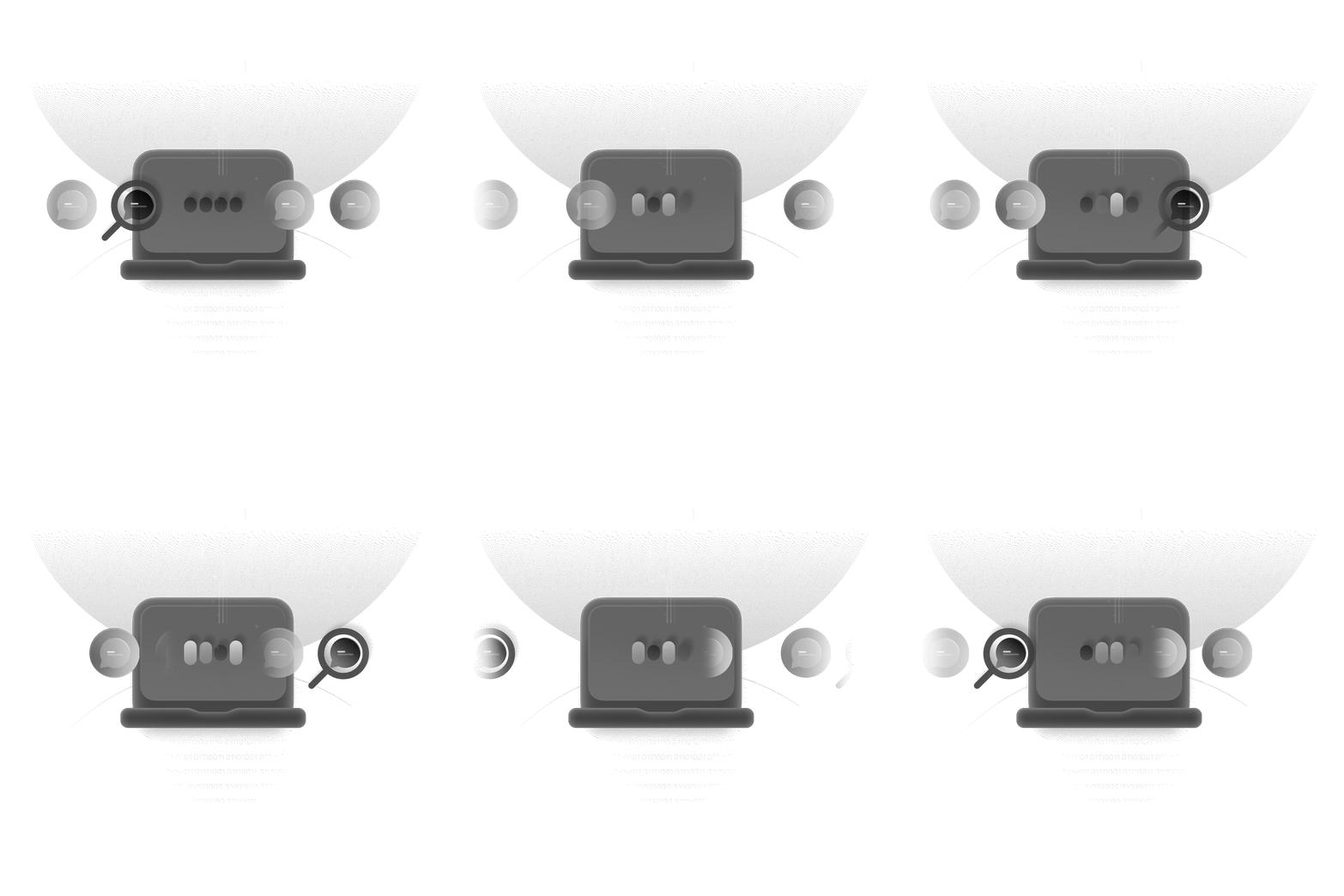
A laptop illustration with magnifying glass scanning chat message bubbles, indicating message scanning process.

Built for service work

Office and frontline stay in sync
Tick icon
Site photos land in the same place as the decision
Tick icon
Supervisors can brief teams without chasing replies
Tick icon
Managers can scan channels and know whatʼs happening

How Wire fits into Squadly

Icon of Wire with arrow pointing to an icon of a Frame.

Wire ↔ Frame

Share job details, customer info, and updates in chat so the team has context
Icon of Wire with arrow pointing to an icon of a Nexus.

Wire ↔ Nexus

When a workflow needs approval, Nexus posts into a channel.
Icon of Wire with arrow pointing to an icon of a Signal.

Wire ↔ Signal

Discuss call outcomes, missed calls, and follow-ups with the right people in one place.

Use cases
Illustration of a computer monitor with abstract lines and nodes representing data connections, set against a dark background.

Morning plan

Supervisor posts the plan in #dispatch. Team confirms in-thread.

User interface layout showing a browser window with a large rectangular card, two smaller cards, and a dark navigation bar with icons including a heart icon clicked by a cursor.

Job follow-up

Tech shares photos. Office replies with next steps. All in one thread.
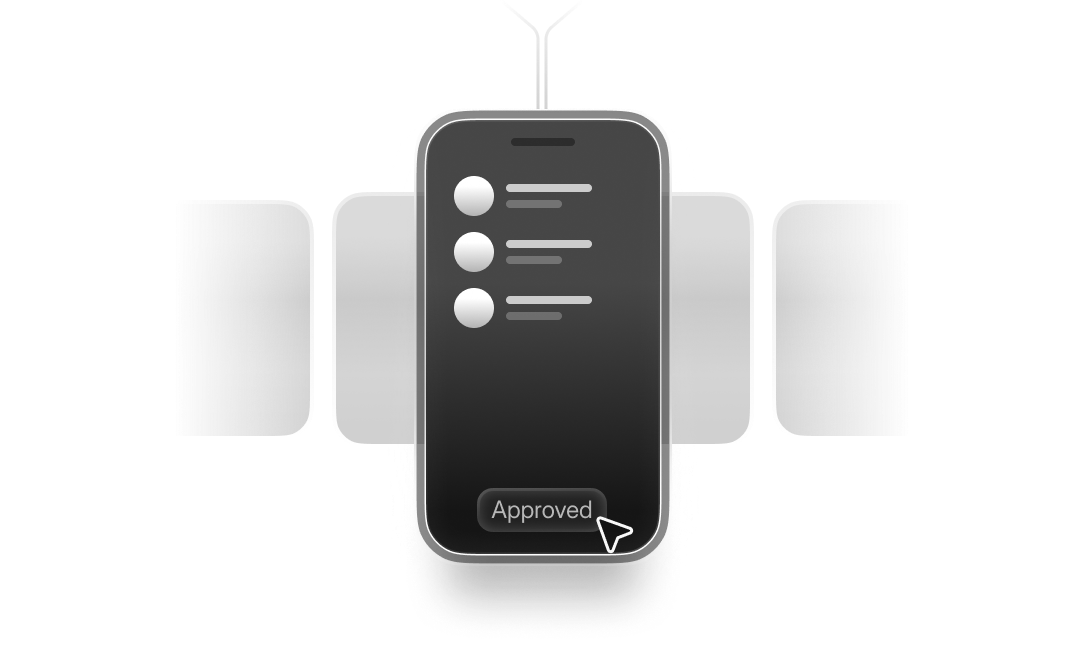
Illustration of a smartphone with a list of three items and a cursor clicking on an 'Approved' button on the screen.

Invoice approval

Nexus posts a high-value invoice to #finance. Manager approves from chat.

Diagram of a user interface layout showing grid with a plus button, text lines, and a rounded rectangular button.

Site coordination

Access code changes. Everyone at the site sees it instantly.
Security and privacy

Tick icon
Private channels for sensitive topics
Tick icon
Role-based access
Tick icon
Workspace-owned communication, not personal inboxes
Digital illustration of a secure lock in the center with binary code and circuit-like lines on a dark background, symbolizing cybersecurity.

Frequently Asked Question

Is Wire available without Squadly?
Cheveron down
Can I invite contractors?
Cheveron down
Can we move off WhatsApp quickly?
Cheveron down
Does Wire replace email?
Cheveron down
Is Wire paid per user?
Cheveron down

Your team already chats all day. Put it where the work lives.

Set it up once, and the work runs itself.